Video: How to download Canva
About Canva
What is Canva?
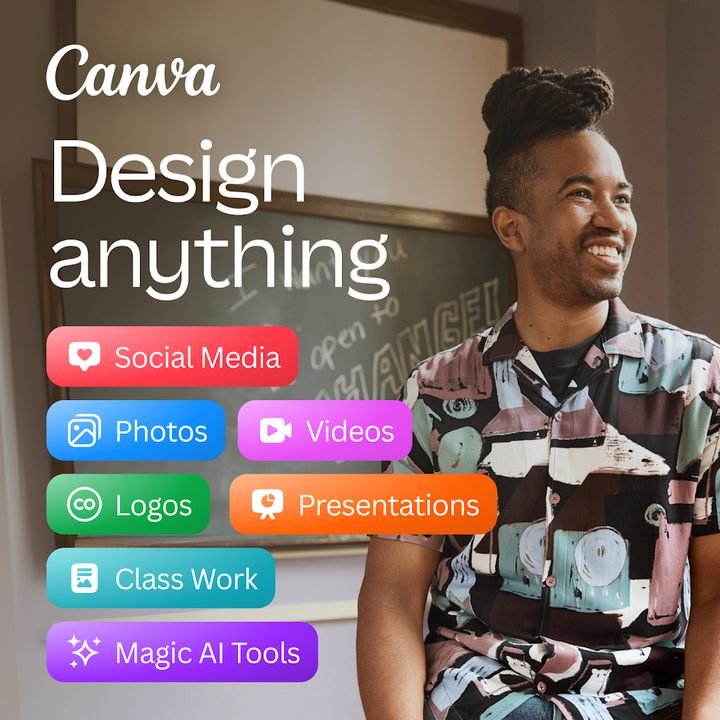
Canva is a graphic design platform developed by Canva Pty Ltd that lets you create all kinds of visual content straight from your phone, with no prior knowledge of professional software. The app starts from a huge library of ready-to-edit templates, so instead of facing a blank canvas you pick a format, swap out text and images, and get a finished result in minutes. Social media posts, presentations, logos, invitations, resumes, posters, or short videos all come together with the same drag-and-drop system.
Its popularity comes down to a blend of simplicity and power: anyone can put together a professional-looking design, while more advanced users tap into brand features, team collaboration, and artificial intelligence tools. Canva is free to get started and offers an optional paid plan, Canva Pro, for those who need more resources and capabilities. The app works on Android, iOS, and the browser, with your projects synced to the cloud.
Canva 2026 key features
These are the features that make Canva one of the most widely used design apps in the world, for both personal and professional use.
🔧 Design, templates, and editing
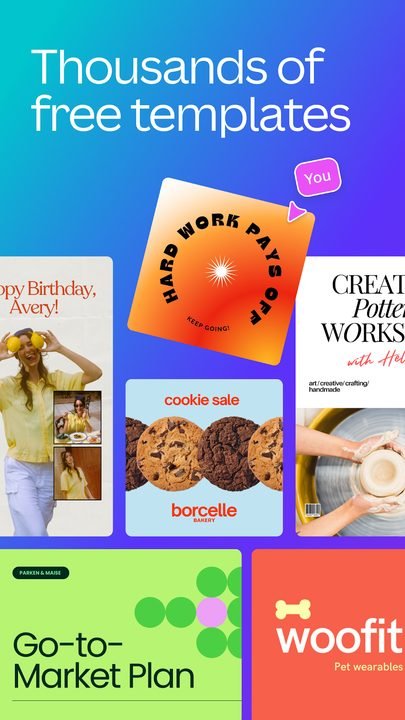
- Thousands of templates organized by format and occasion, 100% editable.
- Drag-and-drop editor with text, shapes, icons, grids, and photos.
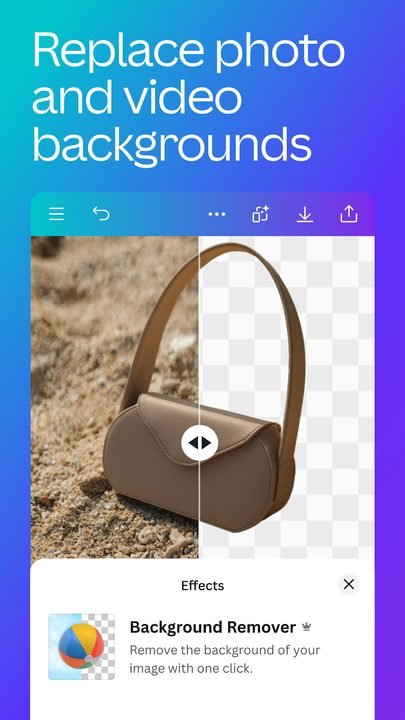
- Built-in image editing: cropping, filters, color adjustments, and background removal.
✨ Presentations, videos, and AI (Magic Studio)
- Create dynamic presentations and videos with transitions and music.
- Magic Studio, the AI toolkit, to generate text and images.
- Smart features to resize designs and apply styles automatically.
🔐 Collaboration and organization
- Real-time teamwork, with comments and per-project permissions.
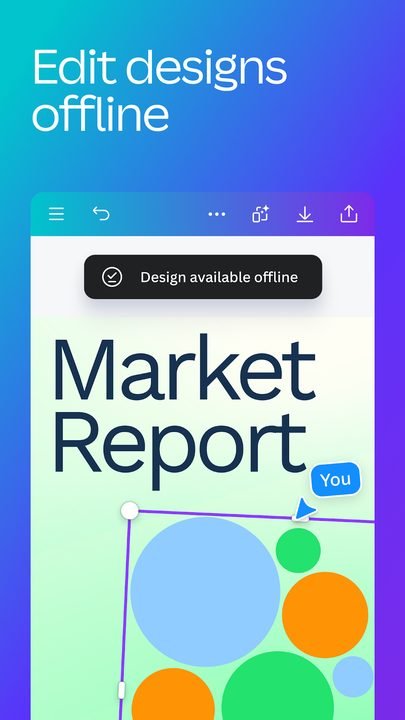
- Cloud storage so you can pick up your designs from any device.
- An optional brand kit to keep logos, colors, and fonts always on hand.
How to download and install Canva on Android
- Tap the official download button on this page, which takes you to Google Play.
- On the Canva listing inside the store, tap the Install button.
- Wait for the download and installation to finish automatically.
- Open the app from the icon that appears on your home screen.
- Create a free account or sign in with Google, Apple, or email.
- Choose a template or a blank format and start designing.
System requirements
- System: Android compatible with the latest version available on Google Play.
- Storage: a few hundred MB free, plus room for your projects.
- Connection: a stable internet connection to sync designs and use the AI.
- Account: a free Canva account (email, Google, or Apple).
Canva pros and cons
✓ Pros
- Very easy to use, even with no prior design experience.
- Enormous catalog of templates for almost any need.
- A generous, genuinely useful free version for everyday work.
- AI tools that speed up content creation.
- Cloud syncing and team collaboration.
✕ Cons
- Some templates and assets require the paid Canva Pro.
- It relies on an internet connection to get the most out of it.
- Advanced exports and certain formats are reserved for Pro.
- The sheer number of options can overwhelm newcomers.
Canva vs. the alternatives
Canva competes with other mobile-focused design and visual editing apps. Each has its own angle, but Canva stands out for combining templates, editing, and AI in a single, easy-to-use interface.
| App | Strength | Platform |
|---|---|---|
| Canva | Templates + AI + collaboration in a very easy app | Android |
| Adobe Express | Integration with the Adobe ecosystem and premium assets | Android / iOS |
| PicsArt | Creative photo editing and artistic effects | Android / iOS |
Common Canva problems and fixes
The app crashes or runs slowly
Close other open apps, update Canva to the latest available version, and restart your phone. If the problem persists, clear the app's cache from your Android settings.
I can't use a template or element
Some assets are marked as premium and are part of Canva Pro. You can look for free alternatives using the relevant filter, or consider the paid plan if you need them often.
My designs won't sync
Make sure you have an internet connection and that you're signed in with the same account on all your devices. Open and close the design to force a sync with the cloud.
I can't download my design
Check that you have free space on your phone and a good connection. Try exporting in a different format, such as PNG or PDF, and review the app's storage permissions.
What's new in Canva in 2026
Over the past year Canva has doubled down on artificial intelligence within Magic Studio, with more accurate image and text generation and better design suggestions. Video and presentation features have also been refined, with smoother editing on mobile, and the app's overall performance has been improved for working with large projects. Team collaboration and brand management keep gaining options, always with an increasingly clean and accessible interface.
Frequently asked questions about Canva
Is Canva free?
Yes, Canva can be used for free with thousands of templates and tools. There's also Canva Pro, an optional paid plan that unlocks more resources, brand features, and advanced exporting.
Is it safe to download Canva?
Yes, as long as you do it from the official Google Play, which is where this page links. That way you make sure you're installing the legitimate version with up-to-date security patches.
Does Canva work on iPhone?
Yes. Besides Android, Canva is available for iPhone and iPad on the App Store, as well as in the browser on your computer, with your projects synced.
Do I need to know how to design to use Canva?
No. The app is built so anyone can get good results starting from templates, using a simple drag-and-drop editor.
Verdict: is Canva worth it in 2026?
Canva remains one of the best options for designing from your phone without the hassle. Its combination of templates, photo editing, presentations, videos, and AI tools makes it useful for both personal and professional use, and its free version more than covers the most common needs. Canva Pro is there as a paid option for anyone after more resources and brand control. If you want to create visual content quickly and with a polished finish, downloading Canva from Google Play is a safe bet. You can explore more options in our roundup of best design apps.
Features
Screenshots
How to Download & Install Canva
Click the download button above to get the latest APK file.
Go to Settings > Security > Enable "Install from Unknown Sources" or allow your browser to install apps.
Open your file manager and navigate to the Downloads folder to find the APK file.
Tap the APK file and follow the on-screen instructions to complete the installation.
Launch Canva from your app drawer and enjoy all its features!
Click the download button to get the setup file for your operating system.
Double-click the downloaded file and follow the installation wizard.
Find Canva in your Start Menu or Applications folder and open it.
Ready to Download?
Canva v2.275.0 · 38.9 MB · Safe & Verified
What's New v2.275.0
v2.275.0: Magic Studio AI mejorado, nuevas plantillas, mejor rendimiento.
Frequently Asked Questions
Is Canva safe?
The button takes you to the official Google Play listing, which scans apps with Google Play Protect. Modilimitado does not host the file. Avoid modified APKs from other sites.
Is Canva free?
It is free to download, but it has paid features, subscriptions or in-app purchases. The button takes you to the official Google Play listing. Modilimitado does not host the file.
Will it work on my device?
Requirement listed on this page: Android 6.0+. Check the store or the official website to see if your model is supported.
Do I need to create an account?
No, you don't need to sign up to download Canva.
How do I update to the latest version?
Come back to this page to get the latest version. We update Canva regularly.