Video: How to download PUBG Mobile
About PUBG Mobile
What is PUBG Mobile?
PUBG Mobile is the battle royale that brought to your pocket the formula that made the genre famous on PC and console. Developed by Tencent Games under its Level Infinite label, it drops 100 players onto an island and allows only one winner: the last one standing. Every match starts with a parachute jump, a map that closes in little by little and a goal as simple as it is brutal, survive and be the last squad alive to claim the coveted “chicken dinner”.
What sets PUBG Mobile apart from other games in the genre is its commitment to tactical realism. Here bullets drop, vehicles feel heavy, the sound of footsteps gives away an enemy and knowing when to shoot and when to hide matters as much as your aim. It's a game that rewards patience and teamwork, not just reflexes, and that depth has made it a pillar of competitive mobile gaming in Mexico and across Latin America.
Key features of PUBG Mobile 2026
Behind its simple premise, PUBG Mobile hides a huge ecosystem of maps, modes and progression systems that keep it alive season after season. These are the pillars that define the experience.
🔧 100-player battle royale
- One hundred participants per match jump from the plane and search for weapons, helmets, vests and healing items scattered across the scenario.
- The safe zone shrinks as the minutes go by, forcing players to shift positions and trigger confrontations.
- Solo, duo and four-player squad modes, with integrated voice chat to coordinate every move.
✨ Maps, modes and vehicles
- Iconic settings like Erangel, the original green island, and Miramar, the long-distance desert ideal for snipers.
- Drivable vehicles (motorcycles, buggies, off-roaders and even boats) to cross the map and flank your rival.
- Rotating alternative modes: Payload, arcade-style Arena, Zombies and seasonal events that break up the routine of the classic battle royale.
🔐 Demanding graphics and Royale Pass
- High-level visuals with lighting, textures and effects configurable from HD up to Ultra on powerful devices.
- Seasonal Royale Pass system with daily missions, free rewards and an optional premium track.
- Competitive ranking by leagues, from Bronze to Conqueror, which reshuffles players every season.
How to download and install PUBG Mobile on Android
- Tap the official download button on this page, which takes you to Google Play.
- On the Google Play listing, tap “Install” and wait for the base download to finish.
- Open the game for the first time; it will download additional graphic resources before your first match.
- Choose the resource quality (low or high) based on your phone's capacity to save space.
- Sign in with a guest, Google, Facebook or Twitter account to save your progress.
- Complete the tutorial and jump into your first combat zone to start playing.
System requirements
- System: Android 5.1.1 or higher; Android 8 or newer is recommended for stable performance.
- RAM: minimum 2 GB, though 4 GB or more is ideal for high graphics without stutters.
- Storage: around 3 to 4 GB free after installing all the graphic resources.
- Connection: a stable internet connection over Wi-Fi or mobile data, essential since it's a 100% online game.
Pros and cons of PUBG Mobile
✓ Advantages
- Realistic battle royale with very polished tactical gameplay.
- Varied, large maps that deliver different matches every time.
- Free to play, with no barriers to get started from day one.
- Huge community and a solid competitive scene in Latin America.
- Frequent updates and seasons with constant new content.
✕ Disadvantages
- It demands a powerful phone to enjoy the high graphics.
- The learning curve can intimidate anyone coming from faster games.
- Long matches require more time and patience than other battle royales.
- Premium cosmetics through UC can be tempting and expensive.
PUBG Mobile versus its alternatives
The mobile battle royale genre is fiercely contested, and PUBG Mobile goes head to head with two heavyweights. Against the immediacy of Free Fire and the shooter DNA of Call of Duty Mobile, PUBG Mobile takes the crown for realism and large-scale matches.
| App | Strong point | Platform |
|---|---|---|
| PUBG Mobile | Realistic 100-player battle royale | Android |
| Free Fire | Fast matches and lightweight for low-end devices | Android / iOS |
| Call of Duty Mobile | Classic multiplayer and mixed battle royale | Android / iOS |
Common PUBG Mobile problems and solutions
The game runs slow or stutters
Lower the graphics quality in Settings, turn on the smooth style and close background apps to free up RAM before playing.
It disconnects me during the match
It's almost always the connection: try a stable Wi-Fi, move closer to the router or switch from mobile data to a less congested network.
The resource download gets stuck
Check that you have enough free space, restart the app and download the resources over Wi-Fi to avoid interruptions.
I can't find a match quickly
Make sure you have the correct region selected; a closer region reduces matchmaking time and ping.
What's new in PUBG Mobile in 2026
The latest available version keeps betting on refining what already works. This year the highlights are optimization improvements that reduce resource usage on mid-range devices, new themed seasonal events, tweaks to the weapon system and rebalancing of the ranked mode. Loading times, server stability during peak hours and control customization options have also been polished, something key for competitive play.
Frequently asked questions about PUBG Mobile
Is PUBG Mobile free?
Yes, it's a free-to-play game. You can download it and play without paying anything; only the UC purchases for cosmetics and the premium pass are optional.
Is it safe to download PUBG Mobile?
Yes, as long as you do it from the official Google Play, as this page links. Avoid third-party APK files or promises of “free UC”, which are usually scams.
Does PUBG Mobile work on iPhone?
Yes, in addition to Android there's an iOS version you can download from the App Store; this listing focuses on installation on Android.
Do I need a very powerful phone?
Not to play in basic quality, but to enjoy the high graphics and a smooth frame rate it's best to have at least 4 GB of RAM.
Conclusion: is PUBG Mobile worth it in 2026?
PUBG Mobile is still the benchmark for realistic battle royale on mobile. Its combination of wide maps, vehicles, demanding graphics and a living competitive scene keeps it a must-have choice for anyone looking for tactical depth and not just quick matches. If your phone meets the requirements and you like to think through every move, downloading it for free from Google Play is a safe bet. And if you prefer something lighter and more direct, you can always compare it with Free Fire before deciding where to drop.
Features
Screenshots
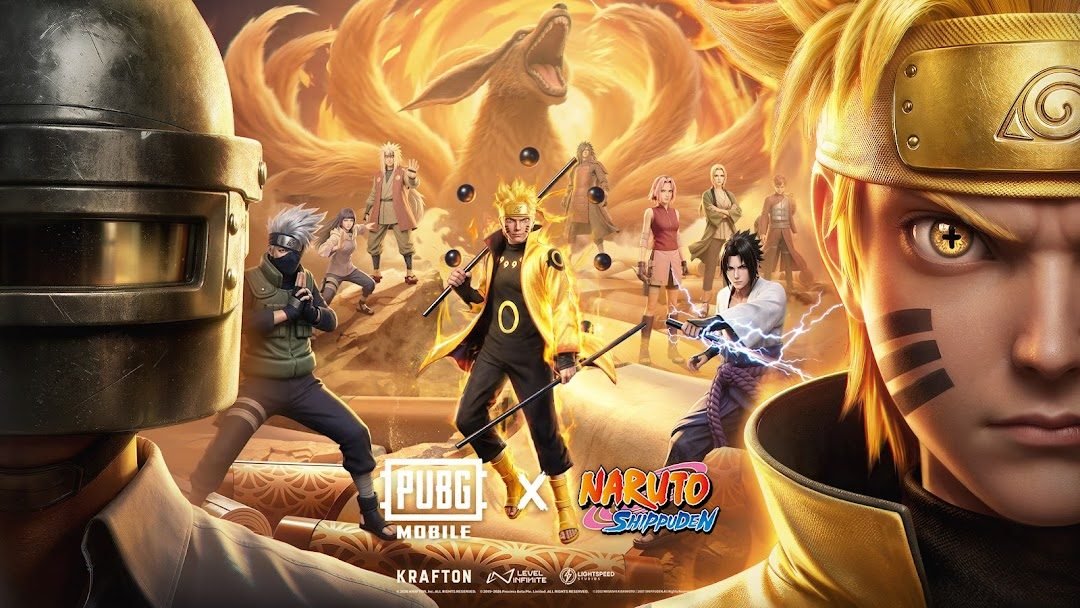
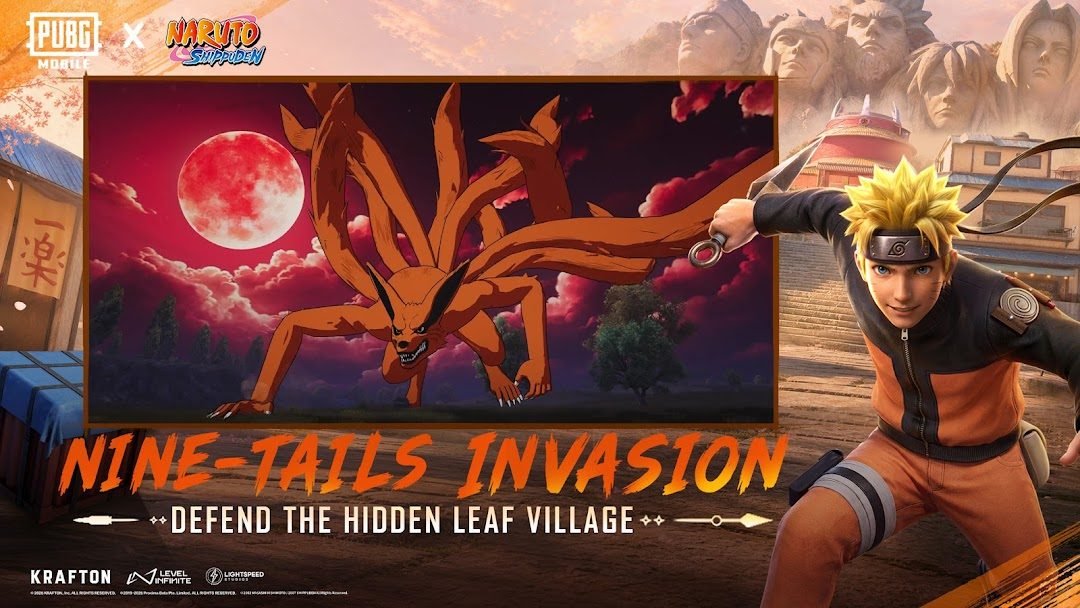
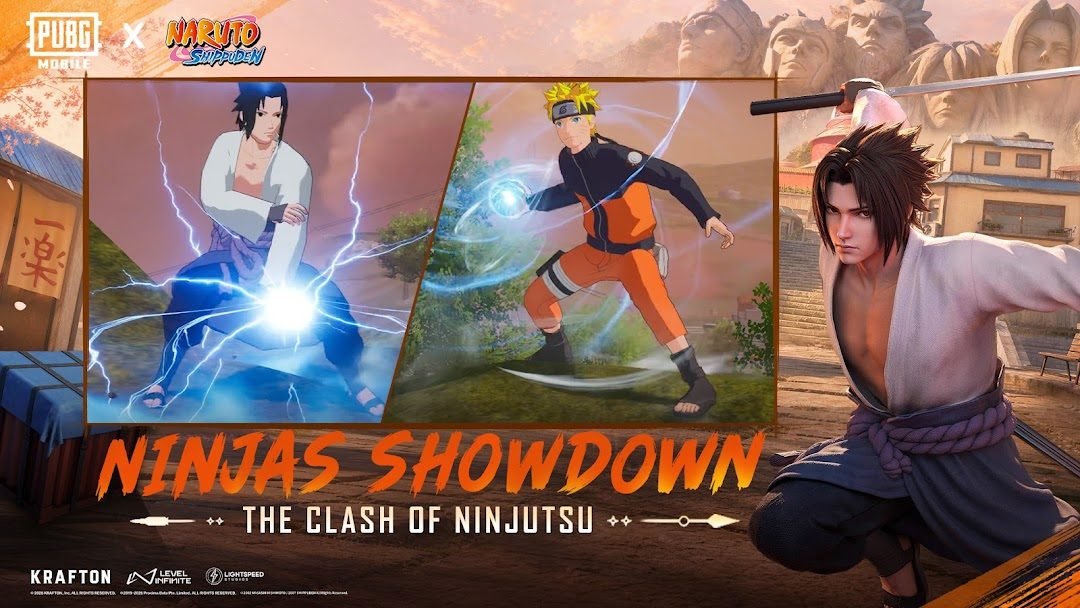

How to Download & Install PUBG Mobile
Click the download button above to get the latest APK file.
Go to Settings > Security > Enable "Install from Unknown Sources" or allow your browser to install apps.
Open your file manager and navigate to the Downloads folder to find the APK file.
Tap the APK file and follow the on-screen instructions to complete the installation.
Launch PUBG Mobile from your app drawer and enjoy all its features!
Ready to Download?
PUBG Mobile v3.3.0 · 1.8 GB · Safe & Verified
What's New v3.3.0
v3.3.0: Nuevo mapa futurista, arma legendaria, mejoras graficas.
Frequently Asked Questions
Is PUBG Mobile safe?
Yes, every download goes through antivirus verification. PUBG Mobile is 100% safe and malware-free.
Is PUBG Mobile free?
Yes, you can download PUBG Mobile v3.3.0 completely free from modilimitado.cc with no sign-up.
Will it work on my device?
PUBG Mobile requires Android 7.0+. Compatible with most modern devices.
Do I need to create an account?
No, you don't need to sign up to download PUBG Mobile.
How do I update to the latest version?
Come back to this page to get the latest version. We update PUBG Mobile regularly.