
About Instagram
What is Instagram?
Instagram is the photo and video social network developed by Meta Platforms, the same company behind Facebook and WhatsApp. Ever since it landed on mobile, it has become the favorite place for millions of people to share moments, follow creators, discover brands and stay in touch with friends through images, short clips and messages. Its clean interface and huge community have made it one of the most used apps on the planet.
Beyond posting photos, Instagram today works as a complete entertainment and communication ecosystem. It combines a personalized feed, vertical videos in the Reels style, disappearing stories, private conversations and even a built-in shopping window. All within a single free app that you can install from the official Android store at no cost and in a matter of seconds.
Instagram's main features in 2026
These are the features that define the Instagram experience and explain why it remains a benchmark in social media.
🔧 Content and creation
- Personalized feed: post photos and videos that show up on your followers' timeline, with filters, edits and captions.
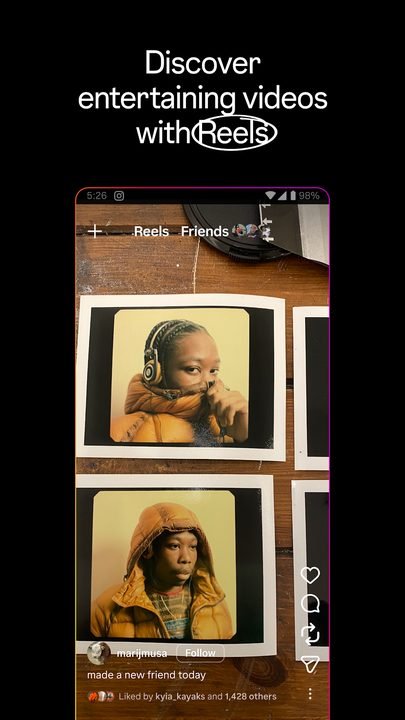
- Reels: create short vertical videos with music, effects and transitions to reach new audiences.
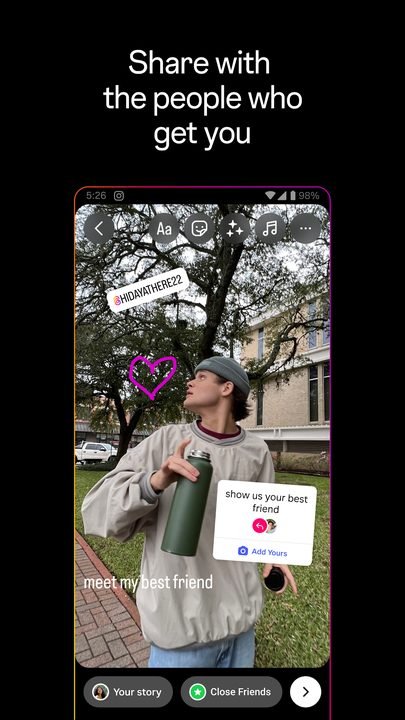
- Stories: share moments that disappear after 24 hours, with stickers, polls, music and links.
✨ Communication and community
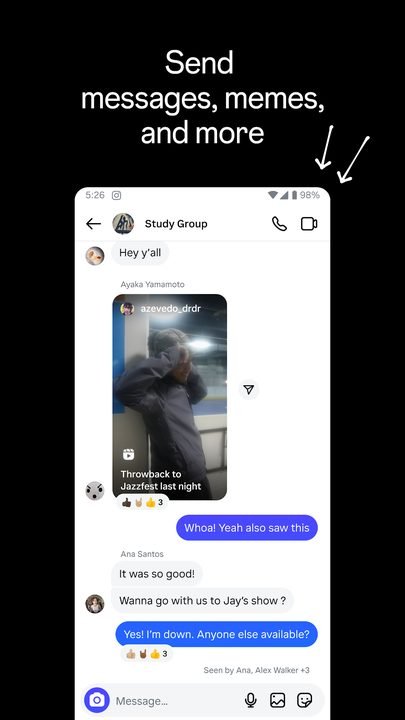
- Direct messages: chat privately or in groups, send photos and voice notes, and react to posts.
- Close friends: share stories only with your close friends list, without your whole audience seeing them.
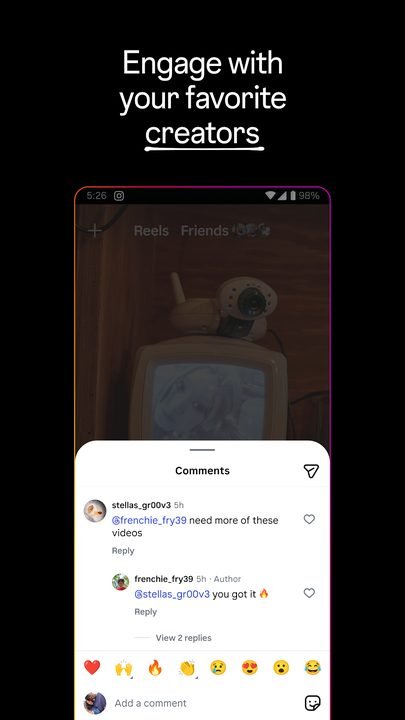
- Comments and mentions: interact with creators and friends, tag accounts and join conversations.
🔐 Shopping and discovery
- Built-in shopping: browse products tagged by brands and stores directly from posts.
- Explore: discover new content based on your interests thanks to the app's recommendations.
- Verified accounts: follow artists, businesses and public figures with authenticated profiles.
How to download and install Instagram on Android
- Tap the official download button on this page, which takes you to Google Play.
- On the Google Play listing, tap the Install button.
- Wait for the app to download and install automatically on your device.
- Open Instagram from the icon that appears on your home screen or app drawer.
- Create a new account with your email or number, or log in if you already have one.
- Customize your profile, follow your favorite contacts and start sharing.
System requirements
- System: Android in a recent version compatible with the latest available version of the app.
- Storage: enough free space for the installation and the cache of photos and videos.
- Connection: internet access via mobile data or wifi to load and post content.
- Account: an email address or phone number to sign up for free.
Instagram pros and cons
✓ Advantages
- Free and with a huge community all over the world.
- Combines photos, Reels, Stories and messages in a single app.
- Easy-to-use editing and creation tools.
- Close friends feature for sharing more privately.
- Perfect for discovering brands, creators and trends.
✕ Disadvantages
- It can use up quite a bit of battery and mobile data.
- Prolonged use can become addictive.
- The amount of ads has increased over time.
- It requires a constant connection to get the most out of it.
Instagram versus its alternatives
Instagram competes with other platforms focused on video and ephemeral content. Each one has its own approach, but Meta's offering stands out for bringing together many features in one place.
| App | Strong point | Platform |
|---|---|---|
| Complete ecosystem: feed, Reels, Stories and shopping | Android | |
| TikTok | Viral short video and discovery algorithm | Android / iOS |
| Snapchat | Ephemeral messages and augmented reality filters | Android / iOS |
Common Instagram problems and solutions
The app closes or the feed won't load
Check your internet connection, close and reopen the app, and make sure you have the latest available version installed from Google Play. Clearing the cache from your Android settings usually helps too.
I can't upload a story or a Reel
Check that you have free space and a good signal. If the problem persists, restart your phone and update the app; failed uploads are usually due to an unstable connection.
I forgot my password or I can't log in
Use the recovery option on the login screen to get a link by email or SMS. Never share your details with unofficial external pages.
I can't see my close friends' stories
Make sure you're included in that list of the person who is posting; only the creator decides who is part of their close friends circle.
What's new in Instagram in 2026
This year Instagram has kept strengthening vertical video with better editing tools for Reels, more customization options in Stories and clearer privacy controls. Direct messaging, the in-app shopping experience and the recommendations in the Explore section have also been polished, all designed to make browsing smoother and safer without changing the essence that made it popular.
Frequently asked questions about Instagram
Is Instagram free?
Yes, downloading and using Instagram is completely free. You can create your account, post and chat without paying; the platform is funded mainly through advertising.
Is it safe to download Instagram?
Yes, as long as you do it from the official Google Play, as this page links to. Avoid third-party files and that way you guarantee a legitimate, risk-free version.
Does Instagram work on iPhone?
Yes, in addition to Android it is also available for iOS from the App Store, with the same main features.
Can I use Instagram without posting anything?
Of course, many people use it just to follow accounts, watch Reels and chat through direct messages without uploading their own content.
Conclusion: is Instagram worth it in 2026?
Instagram remains one of the best options for anyone who wants to share their day-to-day life, follow trends and communicate with friends all in one place. Its combination of feed, Reels, Stories, direct messages, close friends and shopping makes it a versatile, free app that installs in seconds from Google Play. If you're looking for a visual, active social network with a global community, downloading it is a decision that's well worth it.
Features
Screenshots

How to Download & Install Instagram
Ready to Download?
Instagram v367.0.0.39.130 · 105 MB · Safe & Verified
Frequently Asked Questions
Is Instagram safe?
The button takes you to the developer's official website. If it offers an APK or installer, download only that one and scan it with your antivirus before opening it. Modilimitado does not host the file.
Is Instagram free?
Yes, Instagram is free. The button takes you to the developer's official website. Modilimitado does not host the file.
Will it work on my device?
Requirement listed on this page: Android 8.0+. Check the store or the official website to see if your model is supported.
Do I need to create an account?
No, you don't need to sign up to download Instagram.
How do I update to the latest version?
Come back to this page to get the latest version. We update Instagram regularly.