
About eFootball
What is eFootball?
eFootball is the free football simulator developed by KONAMI, the direct heir to the legendary PES (Pro Evolution Soccer) series. Redesigned as a free-to-play game, it bets on a polished gameplay engine, real players and teams with official licenses, and a mobile experience built both for quick matches and for competing online against rivals from all over the world.
Its big appeal is that it offers the tactical depth that made the series famous without asking for a single cent to start playing. You download the app, build your squad in Dream Team mode and step onto the pitch with touch controls or a compatible controller. It's one of the most complete options for anyone looking for simulation football on Android without relying on a console.
Key features of eFootball 2026
eFootball blends realism, official licenses and a free model that keeps it accessible to everyone. These are its standout areas.
🔧 Gameplay and control
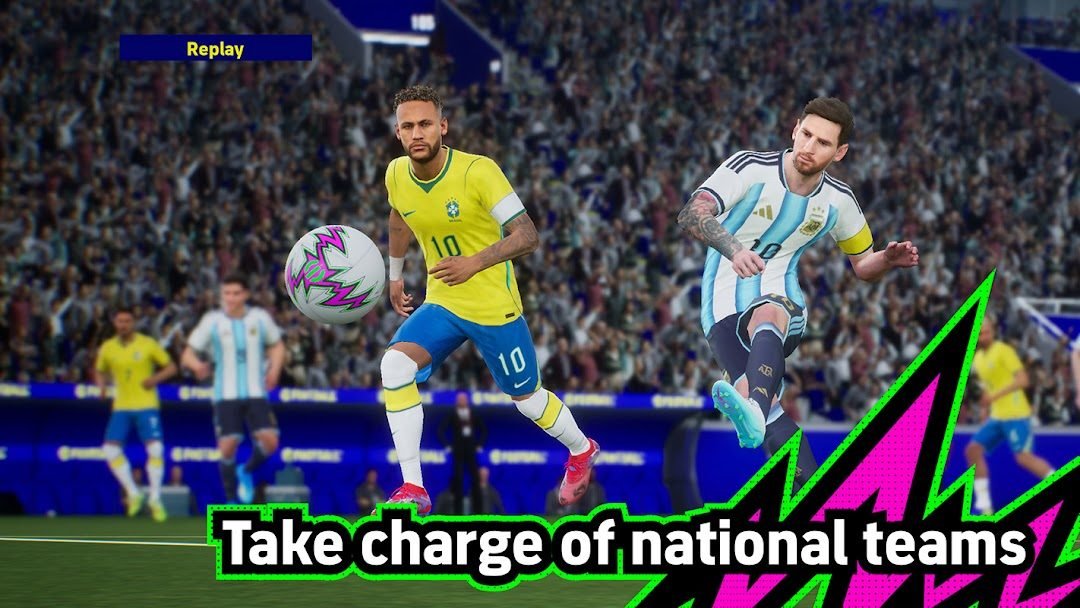
- A physics engine that recreates dribbles, through balls and shots with a realistic sense of weight.
- Configurable touch controls or Bluetooth controller support for more precise handling.
- Online matches against other players and an offline mode to train or play without a connection.
✨ Teams, licenses and Dream Team
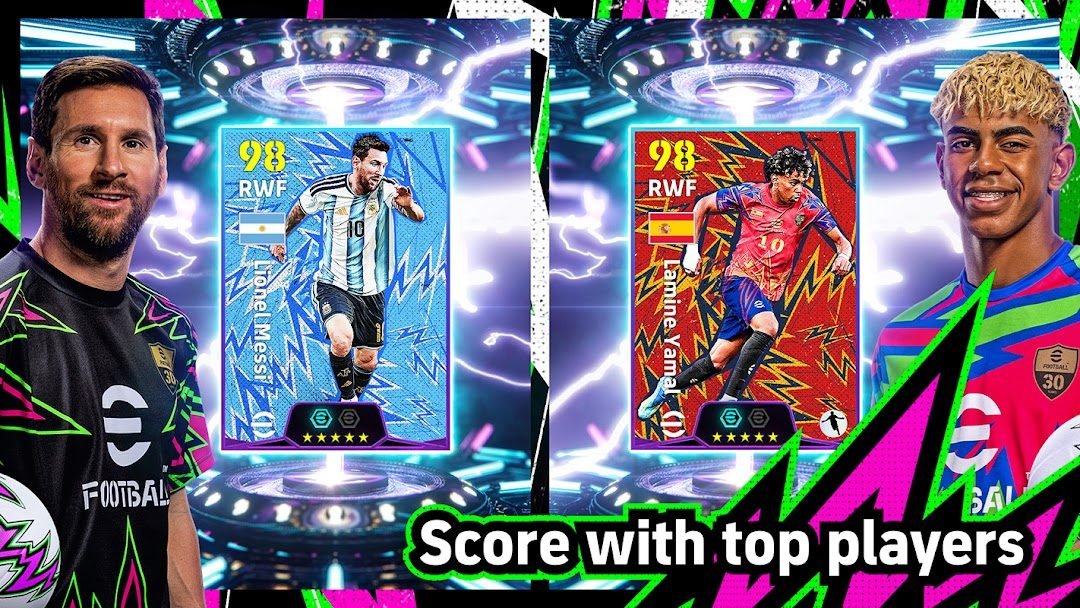
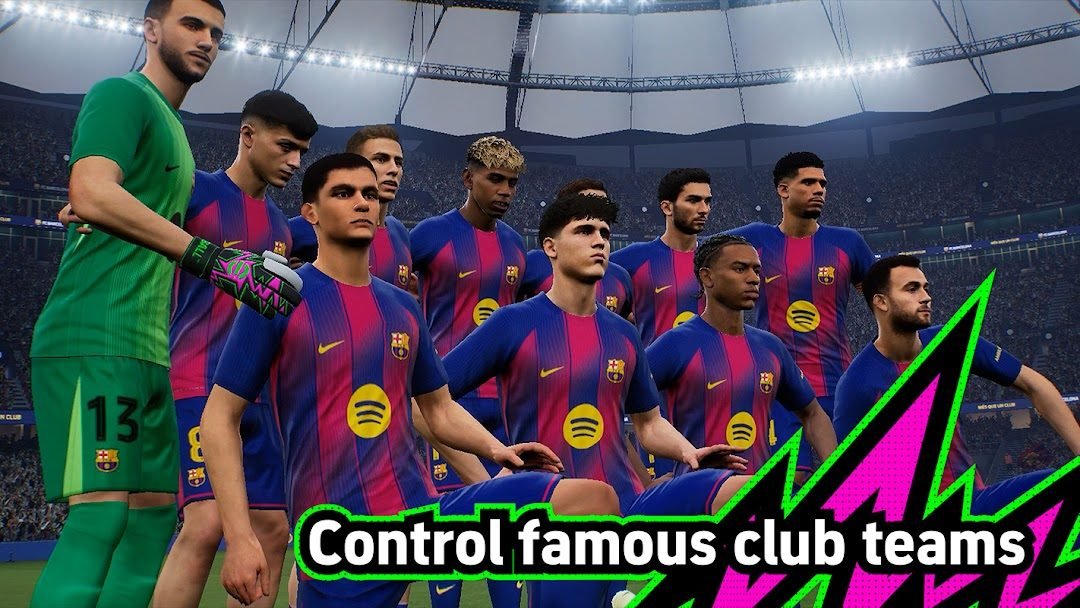
- Real teams and players with official licenses from partner clubs and leagues.
- Dream Team mode to sign footballers, level them up and build your ideal starting eleven.
- Events and challenges that refresh constantly, with rewards for taking part.
🔐 Free model and account
- Free-to-play: you play for free, with optional purchases to speed up your progress.
- Progress tied to your account so you don't lose your squad when switching devices.
- Download and updates only from the official Google Play, with no external files.
How to download and install eFootball on Android
- Tap the official download button on this page, which takes you to Google Play.
- On the Google Play listing, tap the Install button.
- Wait for the initial download to finish; the game will pull additional data the first time you open it.
- Open eFootball and sign in or create your account to save your progress.
- Complete the initial tutorial to get familiar with the controls.
- Build your Dream Team and jump into your first online or offline match.
System requirements
- System: Android compatible with the latest version available on Google Play (a recent version of Android is recommended for better performance).
- Storage: several GB free, since it downloads additional data after installation; it's wise to leave room for updates.
- Connection: a stable internet connection for online matches, events and syncing; the offline mode lets you play without a connection.
- Account: a Google account to download and a game account to save your progress in the cloud.
Pros and cons of eFootball
✓ Advantages
- Completely free to start, with no barriers to entry.
- Real players and teams with official licenses.
- Simulation gameplay inherited from the PES series.
- Compatible with touch controls and Bluetooth controllers.
- Events and content that refresh frequently.
✕ Disadvantages
- Optional purchases speed up progress a lot compared to those who play for free.
- It requires a sizable additional data download.
- Performance can suffer on very modest phones.
- Online matches depend on a good connection.
eFootball versus its alternatives
In mobile football, eFootball goes toe to toe with the genre's biggest names. If you're looking for more options, you can also check out EA Sports FC Mobile, its direct rival with licenses of a different nature.
| App | Strong point | Platform |
|---|---|---|
| eFootball | Tactical simulation with official licenses | Android |
| EA Sports FC Mobile | Breadth of licenses and game modes | Android / iOS |
| Dream League Soccer | Club management and accessible progression | Android / iOS |
Common eFootball problems and solutions
The game gets stuck loading or won't open
Check your connection, close the app completely and open it again. If the issue persists, restart your device and make sure you have free space for the additional data.
It's slow or stutters during matches
Lower the graphics quality in the game settings, close background apps and free up memory. On modest phones, the lower-performance mode helps a lot.
I lost my progress when switching phones
Make sure you linked your account before the switch. Sign in with the same account to recover your Dream Team and progress from the cloud.
I can't find recent updates
Open Google Play, go to the eFootball listing and tap Update. Always installing the latest available version fixes bugs and adds new content.
What's new in eFootball in 2026
Throughout this year, eFootball has kept polishing its gameplay engine with improvements to ball control, player responsiveness and the overall flow of matches. New seasonal events have been added, along with balance tweaks in Dream Team mode and performance optimizations meant to make the game run better on a wider range of Android devices. The download is still always through the latest version available on Google Play.
Frequently asked questions about eFootball
Is eFootball free?
Yes, it's a free-to-play game. You download and play it for free, with optional in-app purchases for anyone who wants to speed up their progress.
Is it safe to download eFootball?
Yes, as long as you do it from the official Google Play, which is what this page links to. Avoid third-party APK files that promise advantages: they're neither safe nor official.
Does eFootball work on iPhone?
This listing focuses on Android, but the game also has an iOS version. To install it on iPhone, look for it on the official App Store.
Can you play offline?
Yes, it has an offline mode to train and play matches without internet, although online matches and events require a connection.
Conclusion: is eFootball worth it in 2026?
eFootball is one of the best gateways into simulation football on Android without spending a cent. It offers official licenses, a gameplay engine inherited from the PES series and a Dream Team mode that keeps you hooked. Optional purchases make a difference for anyone looking to compete at the highest level, but you can enjoy it perfectly well for free. If you love tactical football and want to play on mobile, it's worth downloading from Google Play and giving it a shot.
Features
Screenshots


How to Download & Install eFootball
Click the download button above to get the latest APK file.
Go to Settings > Security > Enable "Install from Unknown Sources" or allow your browser to install apps.
Open your file manager and navigate to the Downloads folder to find the APK file.
Tap the APK file and follow the on-screen instructions to complete the installation.
Launch eFootball from your app drawer and enjoy all its features!
Ready to Download?
eFootball v11.1.0 · Varía según el dispositivo · Safe & Verified
What's New v11.1.0
v11.1.0 (6 de octubre de 2026): nueva versión publicada en Google Play (detalles en «Noticias» dentro del juego).
v11.0.1 (19 de agosto de 2026): corrección de errores (detalles en «Noticias» dentro del juego).
Frequently Asked Questions
Is eFootball safe?
The button takes you to the official Google Play listing, which scans apps with Google Play Protect. Modilimitado does not host the file. Avoid modified APKs from other sites.
Is eFootball free?
Yes, eFootball is free. The button takes you to the official Google Play listing. Modilimitado does not host the file.
Will it work on my device?
Requirement listed on this page: Android 5.0+. Check the store or the official website to see if your model is supported.
Do I need to create an account?
No, you don't need to sign up to download eFootball.
How do I update to the latest version?
Come back to this page to get the latest version. We update eFootball regularly.