Video: How to download ChatGPT
About ChatGPT
What is ChatGPT?
ChatGPT is the conversational artificial intelligence app developed by OpenAI, one of the world's most popular tools for chatting, answering questions and generating text naturally. Right from your phone you can type or dictate any question and get written answers instantly, whether you're studying, working, drafting an email or simply chatting about a topic you care about.
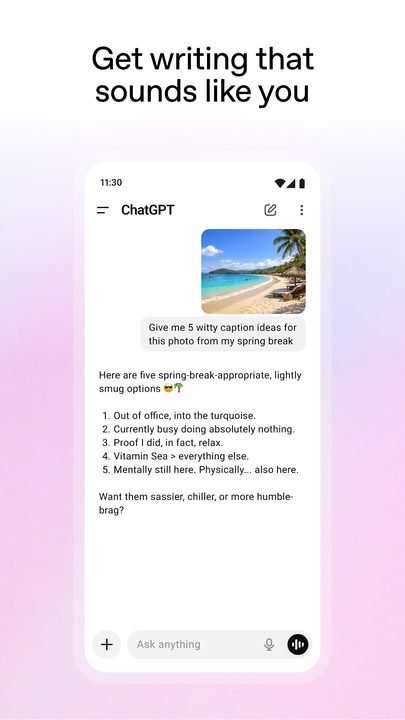
Unlike a traditional search engine, ChatGPT understands the context of what you ask and keeps track of the conversation, so you can ask it to rephrase, summarize or go deeper without starting from scratch. The Android app brings text chat, voice mode and image analysis together on a single screen, and it works with a free account, with the option to upgrade to a paid plan if you need more power.
Key features of ChatGPT 2026
These are the standout features in the current version of the app:
🔧 Conversation and productivity
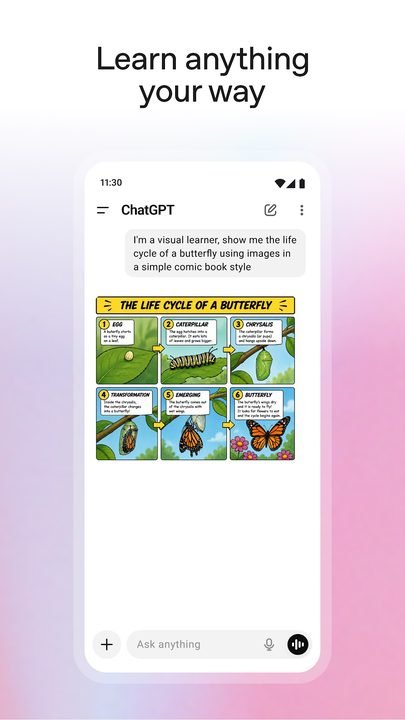
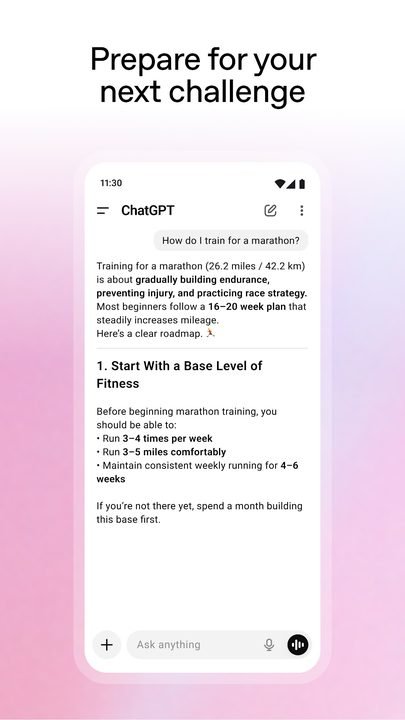
- AI chat that answers questions, writes text, translates and explains tricky concepts in plain language.
- An assistant for writing emails, summaries, scripts or ideas whenever you're stuck.
- Conversation history so you can pick up any saved chat from the same device.
✨ Voice, images and web search
- Voice mode to talk to the app and listen to the reply, perfect when your hands are busy.
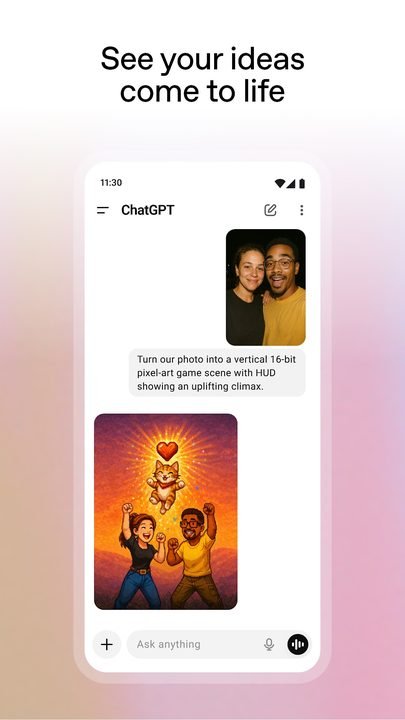
- Image analysis: send a photo and the AI describes it, explains a chart or helps you with whatever it shows.
- Built-in web search to get answers with more up-to-date information and reference links.
🔐 GPTs and advanced model
- Access to GPTs, specialized assistants built for specific tasks like cooking, coding or studying.
- The option to use an advanced model with more accurate answers through the optional Plus subscription.
- Account sync so you can continue your conversations in the browser or on other devices.
How to download and install ChatGPT on Android
- Tap the official download button on this page, which takes you to Google Play.
- On the Google Play listing, confirm that the developer appears as OpenAI.
- Tap “Install” and wait for the app to download to your phone.
- Open ChatGPT from the icon created on your home screen.
- Sign in or create a free account with your email, Google or Apple.
- Accept the basic permissions and start typing or dictating your first question.
System requirements
- System: a recent version of Android compatible with Google Play.
- Storage: a few hundred MB free for installation and updates.
- Connection: a stable internet connection over Wi-Fi or mobile data, since the AI runs in the cloud.
- Account: a free OpenAI account, which you can create from within the app.
Pros and cons of ChatGPT
✓ Advantages
- Fast, well-written answers for almost any topic.
- Combines text, voice and images in a single app.
- The free version is enough for everyday use.
- A clean interface that's easy to use from the very first moment.
- Safe, official download from Google Play.
✕ Disadvantages
- It needs an internet connection to work.
- The most advanced features require the Plus subscription.
- It can make mistakes or provide data that's worth double-checking.
- Free use has limits during high-demand hours.
ChatGPT versus its alternatives
ChatGPT isn't the only conversational AI app for Android. If you want to compare before deciding, here are two of the most searched-for options against OpenAI's offering.
| App | Strong point | Platform |
|---|---|---|
| ChatGPT | Complete ecosystem: chat, voice, images and GPTs | Android |
| Google Gemini | Integration with Google services | Android / iOS |
| DeepSeek | Powerful model with a focus on reasoning | Android / iOS |
Common ChatGPT problems and solutions
The app won't load or keeps thinking
This is usually caused by an unstable connection. Check your Wi-Fi or mobile data, close the app completely and open it again. If the problem persists, restart your phone.
I can't sign in
Make sure you're typing your email and password correctly. If you use Google or Apple, choose the same account you signed up with. You can also use the password recovery option.
It says I've reached the usage limit
The free version limits queries during periods of high demand. Wait a few minutes or consider the Plus subscription if you need more capacity.
Voice mode can't hear me
Go to your Android settings and confirm that ChatGPT has permission to use the microphone. Also check that no other app is using it.
What's new in ChatGPT in 2026
In the latest available version, OpenAI has kept polishing the app with a smoother, more natural voice mode, better image understanding and a faster web search for up-to-date answers. The interface has been simplified for quicker access to GPTs and history, and overall performance on mobile is more stable, with shorter response times and clearer management of your account and subscription.
Frequently asked questions about ChatGPT
Is ChatGPT free?
Yes, the app downloads and installs for free from Google Play and offers a no-cost version. There is also the optional paid Plus plan for access to the advanced model and more features.
Is it safe to download ChatGPT?
Yes, as long as you do it from the official Google Play, as this page links to. That way you make sure you install the authentic OpenAI app and receive all the security updates.
Does ChatGPT work on iPhone?
Yes, OpenAI also publishes ChatGPT for iOS on the App Store, with the same core features as the Android version.
Can I use ChatGPT offline?
No. The AI processes answers on OpenAI's servers, so you need an active internet connection to chat, use voice or analyze images.
Conclusion: is ChatGPT worth it in 2026?
ChatGPT is one of the most complete and accessible artificial intelligence apps for Android. It brings together chat, voice, image analysis, web search and GPTs in a simple interface, with a free version that covers everyday use and an optional Plus plan for anyone who wants more power. If you're looking for a versatile assistant to study, work or answer questions on the spot, downloading it from Google Play is a safe bet. And if you like to compare, you can always check out alternatives like Google Gemini before choosing the one that suits you best.
Features
Screenshots

How to Download & Install ChatGPT
Click the download button above to get the latest APK file.
Go to Settings > Security > Enable "Install from Unknown Sources" or allow your browser to install apps.
Open your file manager and navigate to the Downloads folder to find the APK file.
Tap the APK file and follow the on-screen instructions to complete the installation.
Launch ChatGPT from your app drawer and enjoy all its features!
Ready to Download?
ChatGPT v1.2026.115 · 68.4 MB · Safe & Verified
What's New v1.2026.115
v1.2026.115: Latest update with new features, performance improvements and bug fixes.
Frequently Asked Questions
Is ChatGPT safe?
The button takes you to the official Google Play listing, which scans apps with Google Play Protect. Modilimitado does not host the file. Avoid modified APKs from other sites.
Is ChatGPT free?
It is free to download, but it has paid features, subscriptions or in-app purchases. The button takes you to the official Google Play listing. Modilimitado does not host the file.
Will it work on my device?
Requirement listed on this page: Android 7.0+. Check the store or the official website to see if your model is supported.
Do I need to create an account?
No, you don't need to sign up to download ChatGPT.
How do I update to the latest version?
Come back to this page to get the latest version. We update ChatGPT regularly.