Minecraft v1.21.40
About Minecraft
What is Minecraft?
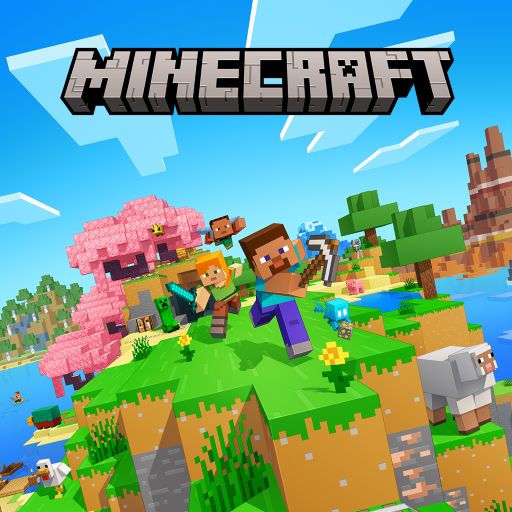
Minecraft is a building and survival video game developed by Mojang (part of Xbox Game Studios) in which the entire world is made up of blocks you can break, place and combine. There is no mandatory storyline: you decide whether you want to build a giant city, dig mines in search of diamonds or simply survive nights full of creatures. That total freedom is what has turned it into one of the best-selling and most-loved games in history.
The Android version, known as Bedrock Edition, lets you play anywhere and connect with players on consoles and PC thanks to cross-play. It is a paid title, but a single purchase unlocks the entire base game with no ads or forced microtransactions, although there is an optional Marketplace with extra content. Its huge community and constant updates keep it alive year after year.
Main features of Minecraft 2026
These are the features that make Minecraft such a complete experience on Android devices.
🔧 Building and exploration
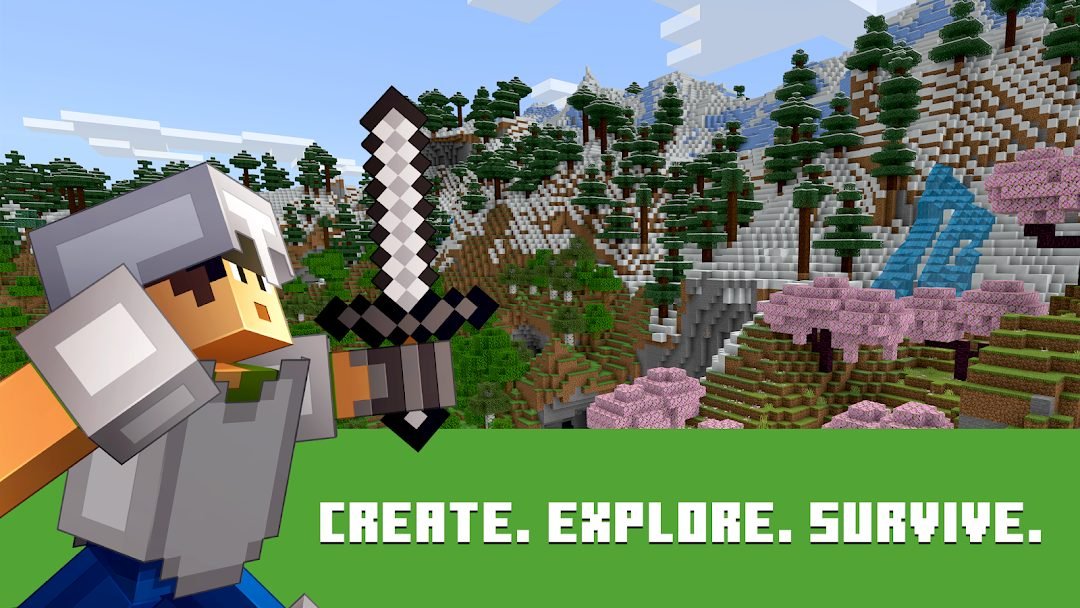
- Practically infinite worlds with forests, deserts, oceans and mountains.
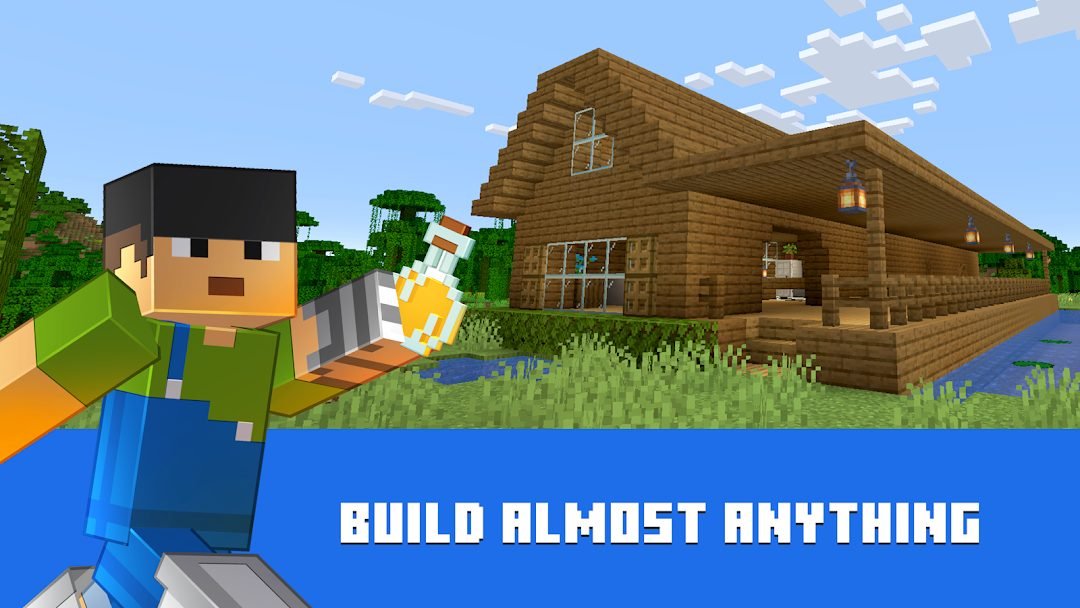
- Creative mode with unlimited blocks and flight for building without limits.
- Crafting system to make tools, armor and Redstone machinery.
✨ Survival and adventure
- Gather resources, grow food and manage your health and hunger.
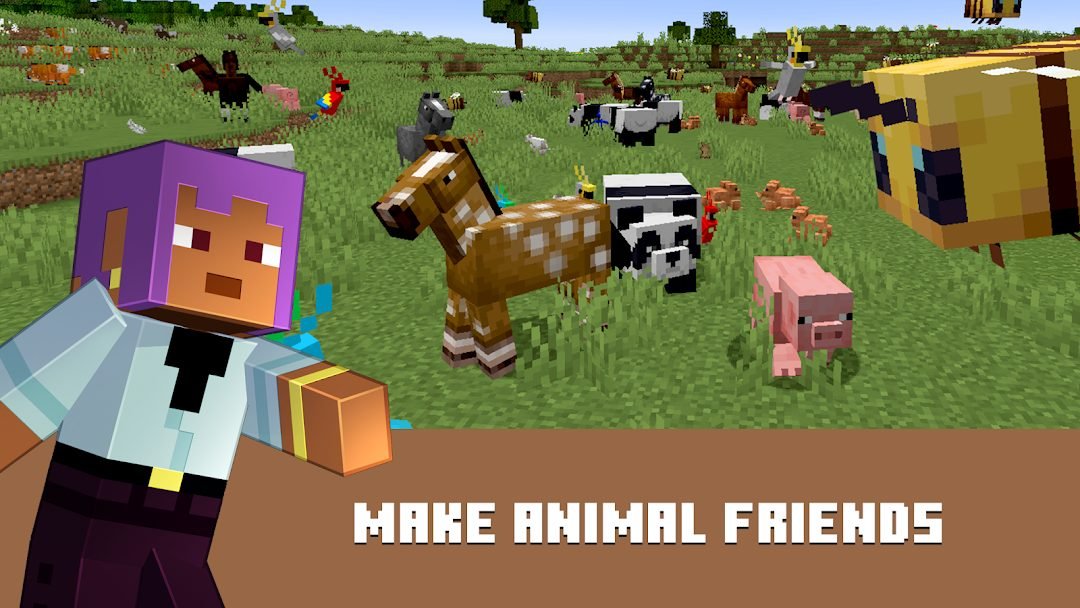
- Face creepers, zombies, skeletons and bosses like the Ender Dragon.
- Explore dungeons, villages, strongholds and the Nether.
🔐 Multiplayer and community
- Cross-play with consoles, PC and mobile through a Microsoft account.
- Realms and servers to play privately or in large communities.
- Marketplace with maps, skins, textures and minigames created by users.
How to download and install Minecraft on Android
- Tap the official download button on this page.
- You will be taken to the Minecraft listing on Google Play.
- Since it is a paid game, complete the purchase with your usual method.
- Tap "Install" and wait for it to download completely.
- Open the game and, if you want to play online, sign in with your Microsoft account.
- Create a new world and choose between Survival or Creative mode to get started.
System requirements
- System: Android 8.0+
- Storage: around 350 MB free, plus extra space for worlds and Marketplace content.
- Connection: optional for single player; required for multiplayer, Realms and Marketplace.
- Account: a Microsoft account is required for online play and cloud saving.
Pros and cons of Minecraft
✓ Pros
- Almost unlimited creative freedom to build and explore.
- A single purchase, with no ads or forced payments in the base game.
- Cross-play with consoles and PC via a Microsoft account.
- Frequent free updates with new content.
- Suitable for all ages and highly educational.
✕ Cons
- It is paid, unlike many mobile games.
- Touch controls take some getting used to at first.
- The Marketplace includes paid extra content.
- The blocky graphics are not to everyone's taste.
Minecraft versus its alternatives
Minecraft competes with other open-world and building games. Roblox offers thousands of user-created experiences but depends on community content; Terraria goes for exploration and combat in 2D with great depth; and LEGO Worlds proposes building with LEGO pieces. Even so, none of them matches Minecraft's combination of simplicity, freedom and community.
| App | Strength | Platform |
|---|---|---|
| Minecraft | Free 3D building and cross-play | Android |
| Roblox | Huge catalog of social games | Android / iOS |
| Terraria | Exploration and combat in 2D | Android / iOS |
Common Minecraft problems and solutions
The game closes on startup
Close other apps to free up memory, restart your device and make sure you have the latest version installed from Google Play.
I can't connect to multiplayer
Check your internet connection, sign in with your Microsoft account and make sure all players are using the same Bedrock version.
The game is slow or stutters
Lower the render distance in the video settings and turn off smooth lighting to improve performance.
I lost my saved world
Turn on cloud saving in the settings linked to your Microsoft account to recover and sync your games.
What's new in Minecraft in 2026
Version 1.21.40 arrives with performance improvements, lighting adjustments and bug fixes in multiplayer games. Throughout 2026, decorative blocks, improvements to villager trading and cave-generation optimizations have been added, along with the new content from the Tricky Trials update released in late 2025 with brand-new dungeons and mobs.
Frequently asked questions about Minecraft
Is Minecraft free?
No, it is a paid game. You buy it once on Google Play and it unlocks the entire base game with no ads.
Is it safe to download Minecraft?
Yes, as long as you download it from the official Google Play. Avoid pirated APK versions that may contain malware.
Does Minecraft work on iPhone?
Yes, there is a Bedrock version for iOS, though the purchase is separate from the Android one.
Do I need an account to use Minecraft?
You can play solo without an account, but you need a Microsoft account for multiplayer, Realms and cloud saving.
Does Minecraft use a lot of data or battery?
Offline mode barely uses any data. Multiplayer uses some connection and, like any 3D game, it demands quite a bit of battery.
How do I update Minecraft?
Updates arrive automatically from Google Play; you can also force them from the app's listing in the store.
Conclusion: is Minecraft worth it in 2026?
Minecraft remains one of the best purchases in the mobile catalog. Its creative freedom, cross-play and constant free updates justify the one-time price. If you are looking for a game that combines creativity, survival and limitless fun, Minecraft is a safe bet in 2026.
Features
Screenshots
How to Download & Install Minecraft
Click the download button above to get the latest APK file.
Go to Settings > Security > Enable "Install from Unknown Sources" or allow your browser to install apps.
Open your file manager and navigate to the Downloads folder to find the APK file.
Tap the APK file and follow the on-screen instructions to complete the installation.
Launch Minecraft from your app drawer and enjoy all its features!
Ready to Download?
Minecraft v1.21.40 · 350 MB · Safe & Verified
What's New v1.21.40
v1.21.40 (Junio 2026): Mejoras de rendimiento, ajustes de iluminación y correcciones de errores en multijugador.
v1.21.30 (Abril 2026): Nuevos bloques decorativos y mejoras en el sistema de comercio de aldeanos.
v1.21.20 (Febrero 2026): Optimización de la generación de cuevas y ajustes de equilibrio en combate.
v1.21.0 (Diciembre 2025): Actualización Tricky Trials con nuevas mazmorras, mobs y objetos.
Frequently Asked Questions
Is Minecraft safe?
Yes, every download goes through antivirus verification. Minecraft is 100% safe and malware-free.
Is Minecraft free?
Yes, you can download Minecraft v1.21.40 completely free from modilimitado.cc with no sign-up.
Will it work on my device?
Minecraft requires Android 8.0+. Compatible with most modern devices.
Do I need to create an account?
No, you don't need to sign up to download Minecraft.
How do I update to the latest version?
Come back to this page to get the latest version. We update Minecraft regularly.